Pest Control Action Plan Template for Better Accountability & Growth
Put your business goals into action with our free pest control action plan template....
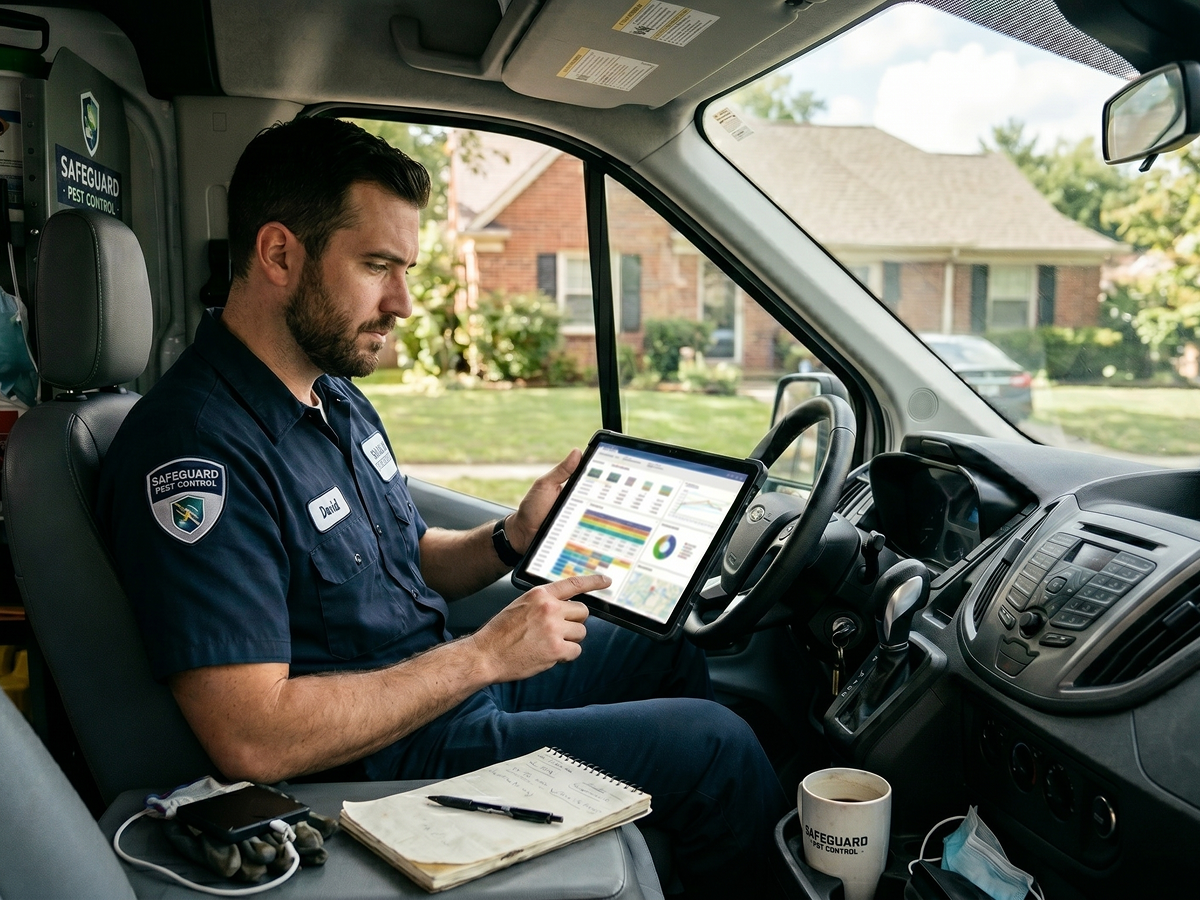
The best pest control software is not necessarily the platform with the most features or the biggest name. It’s the one that fits the way your company actually operates.
Every pest control business runs differently. Some teams need stronger scheduling and routing tools. Others need help with billing, customer communication, or technician workflows.
That’s why choosing software based only on what another company uses can backfire. A platform that works well for one operation may create headaches for another.
Before comparing software options, it helps to think about the problems you’re trying to solve. Maybe invoicing delays are slowing cash flow. Maybe route planning still happens on paper. Or maybe scheduling has become difficult to manage as you grow.
The right software can help simplify those day-to-day challenges while making your business more efficient, organized, and scalable.
In this guide, we’ll break down what pest control companies should look for in software and compare some of the top platforms for 2026. We’ll also cover common mistakes to avoid before making a decision.
More features do not automatically mean better software.
The best pest control platforms are those that solve the problems your team actually faces every day. That might mean improving scheduling, reducing office admin, or helping technicians work more efficiently in the field.
Instead of chasing the longest feature list, focus on the tools that will make the biggest impact on your operations.
Here are some of the most important things to look for.
Pest control is a route-heavy business. Your team spends the day moving between appointments, handling schedule changes, and trying to stay on time.
Good pest control scheduling and routing software helps keep all of that organized.
Digital scheduling tools reduce manual calendar management. They also help prevent problems like double-bookings or inefficient routes. This is especially important during busy seasons, when your schedule fills up fast.
Routing and dispatch tools help technicians spend less time driving across town, too. And that means they can spend more time completing revenue-generating work.
RELATED ARTICLE: Pest Control Scheduling: What Business Owners Need to Know
Billing shouldn’t feel disconnected from the rest of your operations.
The right software helps your team create invoices, process payments, and track balances all in one place. That reduces billing mistakes, speeds up collections, and cuts down on manual admin work.
It also creates a smoother experience for customers, especially when online payments and auto-pay options are built directly into the platform.
A pest control CRM is the central nervous system of customer service. It helps your team keep customer information, communication history, and service details organized.
That kind of visibility becomes more valuable as your business grows.
Instead of searching through notes, spreadsheets, or old emails, your team can quickly access the information they need. Past treatments, upcoming services, customer preferences, and previous conversations are all housed in one place.
Many CRM tools also automate reminders, follow-up messages, and customer communication. That way, your business stay responsive without creating extra office work.
Good reporting helps you understand what’s actually happening inside your business.
The right pest control software should make it easy to track important metrics like:
These reports help you spot problems earlier and make better business decisions over time.
For example, you might notice one route consistently runs behind schedule. Or you may find that one service type brings in more recurring revenue than the others.
Clear reporting gives you visibility into what’s working, what’s slowing your business down, and where you have opportunities to grow.
Pest control teams don’t work behind desks all day. Your technicians are constantly in the field handling inspections, treatments, estimates, and customer questions.
That’s why mobile functionality matters so much.
A strong mobile app allows technicians to:
These tools keep communication flowing smoothly between the office and the field. This helps reduce paperwork and manual data entry later on.
The best mobile apps also help technicians work more efficiently without constantly having to call the office for updates or customer information.
RELATED ARTICLE: The Best Apps for Pest Control Businesses
The software you choose today should still support your business a few years from now.
As your company grows, your operations become more complex. You may add technicians, expand service areas, open another branch, or take on more recurring customers.
A platform that works for a five-person team may start creating bottlenecks once you double in size.
Look for software that can grow alongside your business without forcing you to rebuild your workflows or switch systems later. Flexible user management, automation, reporting, and multi-location support all become more important as operations expand.
RELATED ARTICLE: How to Grow a Pest Control Business
Once you know what features actually matter, it becomes easier to compare software options more realistically.
Some platforms are built specifically for pest control businesses. Others are broader field service management tools that can also support pest control companies.
The right fit depends on your size, workflows, growth goals, and how specialized your operations are.
To help narrow things down, we compared some of the top pest control software platforms for 2026 based on:
Here’s a quick overview of how the platforms compare:
| Software | Standout Features | Best For | Pricing |
| Briostack | Lead management, automated workflows, smart scheduling, recurring billing, reporting | Growing pest control companies that want to scale operations efficiently | Custom |
| FieldRoutes | Marketing automation, smart routing, CRM tools, integrations | Mid-size and large route-heavy pest control businesses | Custom |
| PestPac | Advanced reporting, AI-powered insights, financing tools, enterprise workflows | Established and multi-location pest control companies | Custom |
| GorillaDesk | Workflow automation, AI customer communication, integrated VoIP and SMS | Small pest control teams focused on recurring service routes | Plans start at $49/month |
| Jobber | Easy scheduling, customer communication tools, mobile app, AI receptionist | Solo operators and small home service businesses | Plans start at $22/month |
Let’s take a closer look at each pest control software.
Briostack is pest control software built for growing service businesses.
The platform is designed to help manage operations more efficiently and bring in more revenue. It combines scheduling, routing, billing, customer management, reporting, and communication tools in one platform.
Unlike general field service software, Briostack is designed specifically for pest control companies. It supports recurring services, route optimization, customer communication, treatment workflows, and more.
Briostack works especially well for companies that want to reduce manual office work, generate more revenue, and keep daily operations more organized as they grow.
FieldRoutes is pest control software built for companies with larger, route-heavy operations. The platform combines scheduling, routing, CRM, marketing, and billing tools in one system.
As pest control companies grow, managing routes, recurring services, and customer communication becomes more complicated. FieldRoutes is designed to help handle that expansion.
Originally known as PestRoutes, the platform is now part of the ServiceTitan ecosystem. It’s one of the more established pest-specific software platforms on the market.
FieldRoutes is especially useful for companies with high service volume and larger route density.
PestPac is one of the longest-running pest control software platforms on the market. Developed by WorkWave, it’s widely used by mid-sized and larger pest control companies.
The platform includes scheduling, billing, reporting, CRM, and field service tools. It’s especially known for its reporting capabilities and support for larger operations.
Because the platform has been around for a long time, PestPac offers a wide range of features and customization options. That depth can be helpful for growing companies with more complex workflows.
GorillaDesk is a field service management platform used by pest control companies and other route-based service businesses. The software focuses heavily on automation, scheduling, and customer communication.
It’s especially popular with smaller teams that want to simplify daily operations without adding overly complex systems.
Over the years, GorillaDesk has built a reputation for being easy to use and affordable compared to many larger pest control platforms.
Jobber is a general field service management platform used by many home service businesses, including pest control companies. Plumbers, HVAC companies, cleaners, electricians, and landscapers also use the platform.
The software focuses on scheduling, customer communication, invoicing, and mobile field management. A simple interface and lower starting cost make it especially popular with solo operators and smaller teams.
While Jobber is not built specifically for pest control, many smaller companies still use it because it is easy to set up and learn.
The right software can help your pest control business save time, reduce admin work, improve customer communication, and bring in more revenue.
But the wrong platform can create new problems if it doesn’t fit the way your business actually works.
That’s why it’s important to look past marketing claims and long feature lists. You need software that supports your team, workflows, and growth goals.
Here are some common mistakes to avoid as you compare your options.
Price matters, but it shouldn’t be the only thing driving your decision.
Cheaper software may save money upfront, but it can also create problems later if the platform lacks important features, automation, or support.
At the same time, the most expensive option is not automatically the best fit either. Some companies end up paying for advanced tools they rarely use.
Instead of focusing only on monthly cost, think about overall value.
Ask questions like:
A platform that improves efficiency, customer retention, and recurring revenue may deliver much more value over time than a cheaper system with limited functionality.
Many pest control companies start with general field service management software because it looks flexible and affordable. And for some businesses, that may be enough at first.
But as operations grow, many teams realize generic FSM platforms are missing tools built specifically for pest control workflows. That can create extra manual work for office staff and technicians over time.
Pest-specific software often includes features like:
Generic FSM software also often includes features designed for industries your business doesn’t serve.
The result? Your team may end up working around the software instead of the software helping your team work more efficiently.
Pest control technicians spend most of the day in the field. They need quick access to schedules, customer details, service history, notes, and payment tools while moving between jobs.
Without strong mobile functionality, simple tasks can turn into extra phone calls, paperwork, and delays.
A good mobile app helps technicians:
That keeps information moving between the office and the field without slowing everyone down.
The software that works for your business today should still work as your company grows. As you add more technicians, customers, routes, and service areas, operations usually become harder to manage manually.
Some platforms handle that growth well. Others start slowing teams down once the business reaches a certain size.
Before choosing software, think about where your business may be in a few years. Will the platform still support your team if you open another branch, expand your routes, or grow recurring revenue?
A scalable platform should make growth easier, not force you to switch systems later.
Customer support might not seem important when you first compare software platforms. But once your team starts using the system every day, support quality matters a lot more.
Problems happen—routes fail to load, payments get stuck, scheduling tools glitch. When that happens, your team needs fast help.
Slow or unresponsive support can quickly turn small issues into bigger operational problems.
Imagine your technicians are ready to head out for the day, but the routing system suddenly stops working. If it takes hours to reach support, your entire schedule may fall behind.
That’s why it is important to look beyond features and pricing.
Before choosing software, check reviews and ask other pest control companies about their support experience. A responsive support team can save your business a lot of frustration later.
One of the biggest mistakes companies make is choosing software without seeing how it works in real-world situations. A platform can have a great feature list but feel completely different during daily use.
A demo or free trial gives your team a chance to test the platform before making a long-term commitment.
During a trial or demo, pay attention to things like:
It also helps to involve both office staff and field technicians in the process. They’re the people who will use the software every day, and they may notice problems or limitations early on.
The goal isn’t just to find software with the most features. It’s to find software your team will be able to use effectively.
The best pest control software does more than help you manage today’s workload. It should also support where your business is headed next.
As your company grows, manual processes usually become harder to manage. The right software helps you handle that growth without adding chaos or extra admin work.
This is especially important in pest control, where recurring services drive a large portion of long-term revenue. Software that supports recurring scheduling, automated billing, customer retention, and route efficiency can make growth much easier to manage.
At the end of the day, there is no single “best” pest control software for every company.
The best platform is the one that fits your workflows, supports your team, and helps your business operate more efficiently as it grows.

Put your business goals into action with our free pest control action plan template....

Raising prices doesn't have to drive customers away. Learn how to increase pest control...
Discover how to build a pest control scheduling system that keeps recurring services organized,...